
You're checking your email when a message pops up with the subject line:
“URGENT: Your bank account has been temporarily locked"
You immediately click the email and scan the details. The email looks legit. It has the bank’s logo, the colours match their website, and the message says "suspicious activity was detected on your account".
Your heart starts racing. There’s a big button that says “Verify Your Account Now”.
You feel a sense of panic and hover over the button.
Should you press it?
 This is exactly how email phishing works.
This is why it is important to understand what it is and how you can protect yourself from financial scams.
What is Phishing?
Phishing is a type of fraud where a person attempts to trick someone into giving out personal information over online platforms such as email, social media, instant messaging, and other websites.
 Phishing emails are common because scammers can send them to thousands of people at once, hoping just a few will fall for it.
They can be dangerous because they are designed to look real, sound urgent, and trigger fear or pressure. This might cause people to act before thinking about the consequences.
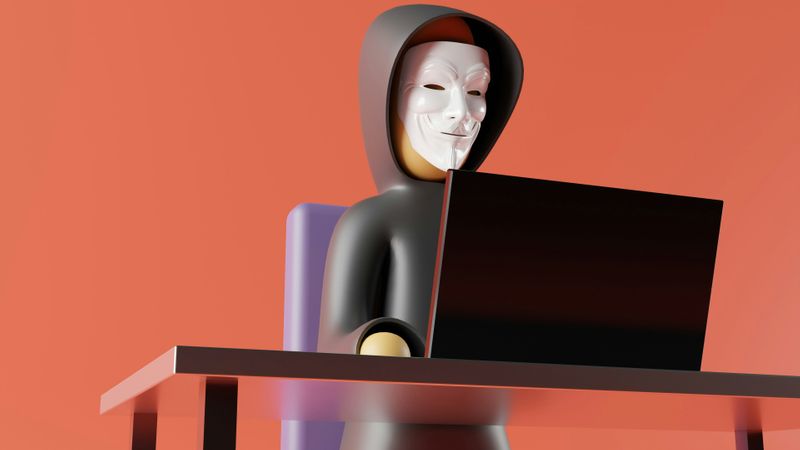 Photo by GuerrillaBuzz on Unsplash
Did you know?
What Might Phishing Look Like?
Carlo receives a social media DM warning that their account will be locked due to suspicious activity unless they verify it immediately.
The message includes a link to a login page that looks exactly like the real social media page, so Carlo enters their username and password.
Minutes later, they’re locked out of their account, and the attacker uses it to send scam messages to their friends.
There are different forms of email phishing. Here are a few examples of what it might look like:
Fake delivery notices (e.g., "Your package is delayed")
Warnings about your account activity (e.g., "Suspicious activity reported from your bank account")
Prizes or refunds (e.g., "You won 1 million dollars!" or "You received money back!")
Fake emails using names from people you know (e.g., a friend or family member, your boss)
Can You Spot the Red Flags?
Not all phishing emails look fake. Some scammers carefully design these emails to seem real. However, they might leave behind small warning signs that show you that something isn’t right.
Let's take a look at what these might be:
Incorrect grammar or typos
Inaccurate email address from the sender
Unverified or suspicious links
Not personalized with your name and uses generic terms (e.g., "Customer")
Asks for sensitive personal information urgently
Don't get hooked! Always look closely at emails to spot red flags, like in the video below:
Subscribe for more quick bites of learning delivered to your inbox.
Unsubscribe anytime. No spam. 🙂
Is This Email Fraud?
Take a look at the following email.
 Subject: Urgent Action Required: Update your Account!
From: sUpport@thebestbankk.com
Dear Customer,
There is a record in our files that indicates your account is not up to date. To avoid any conflict or suspension, please reply to this email with the following details:
Your login username and password
Social Insurance Number
Credit Card number
Click the link below to access your account and verify your information:
If you do not respond within 24 hours, your account will be immediately suspended.
Thank you for your attention,
The Bank Support Team
Quiz
Which of the following red flags are shown in the above email? Select all that apply:
Protect Yourself from Email Phishing
Protecting yourself from email phishing will help keep your money and personal information safe.
 Use the following guidelines to protect yourself online:
Watch out for messages "that sound urgent or too good to be true"
Create strong passwords and change them often
Be cautious when giving out personal information online
Monitor your bank accounts regularly and report them to your bank right away if something seems suspicious
Examine suspicious emails by checking for incorrect email addresses, grammar or typos, or unverified links, and contact the company directly to confirm whether they sent it
When possible, use Two-Factor Authentication* to authorize access to accounts
*Two-factor authentication is a security method that helps to keep personal accounts safe by using two different types of proof to verify the owner’s identity.
Stay safe and stay alert!

Take Action
Do you want to learn more about email phishing and how to protect yourself?
If you do...

Your feedback matters to us.
This Byte helped me better understand the topic.